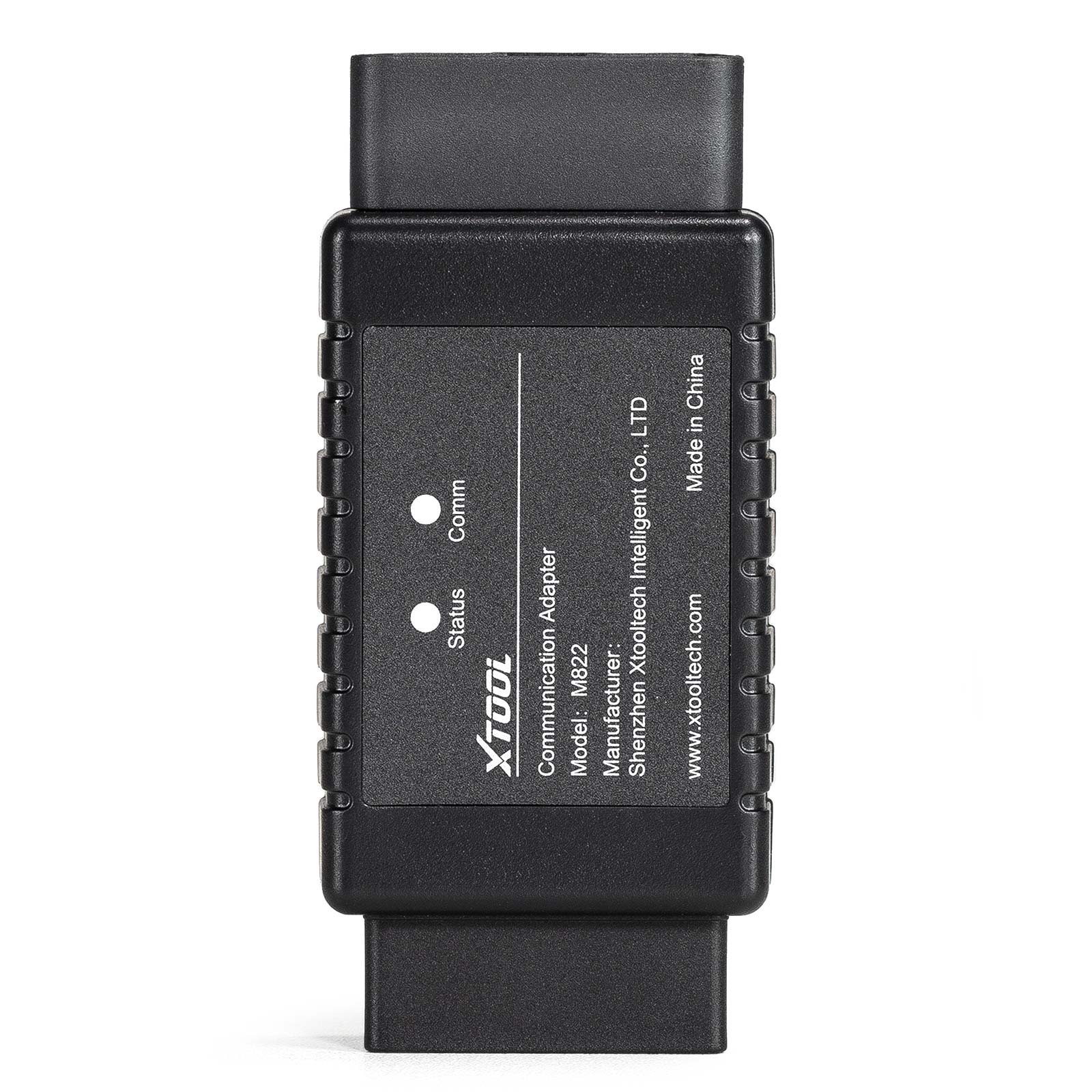
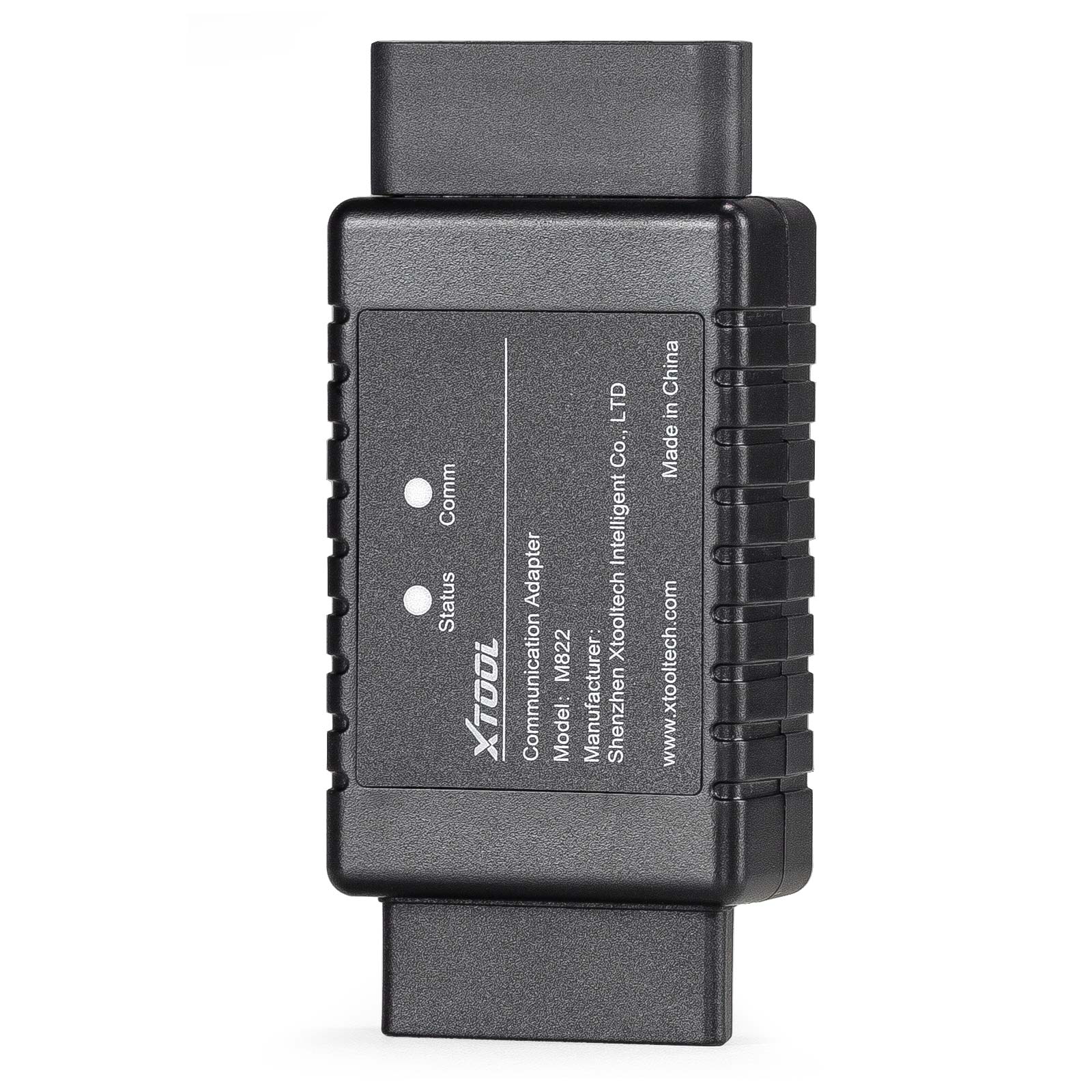
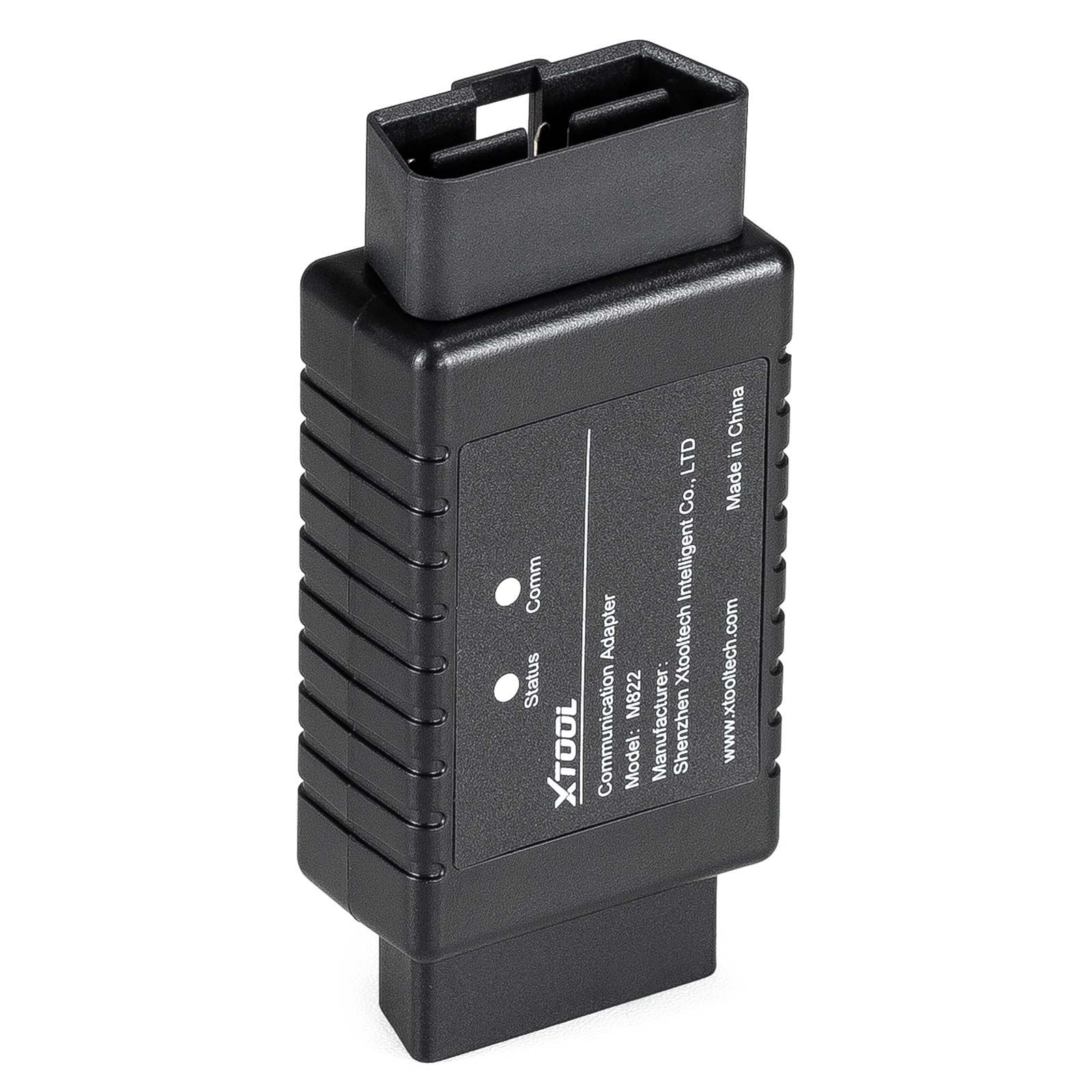
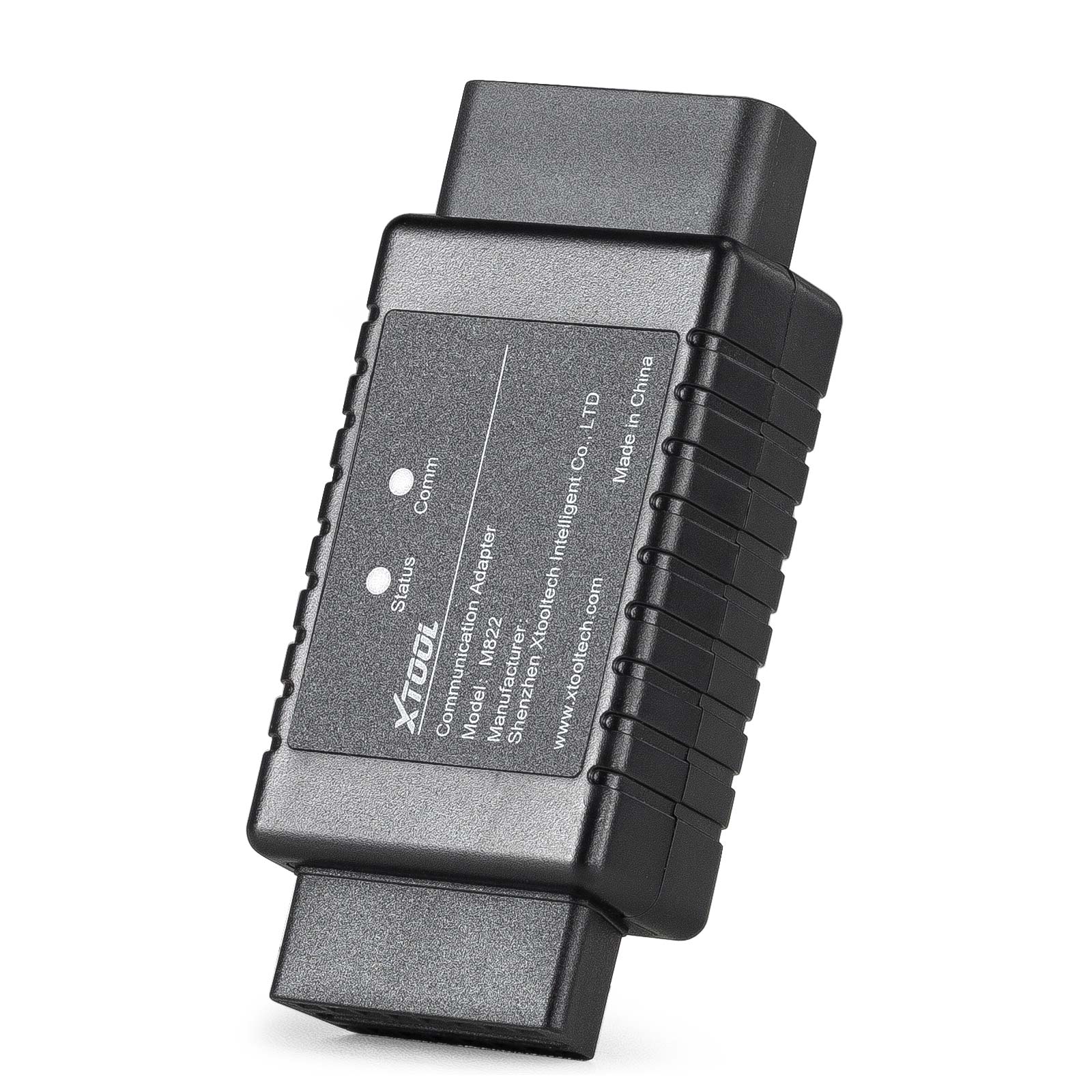
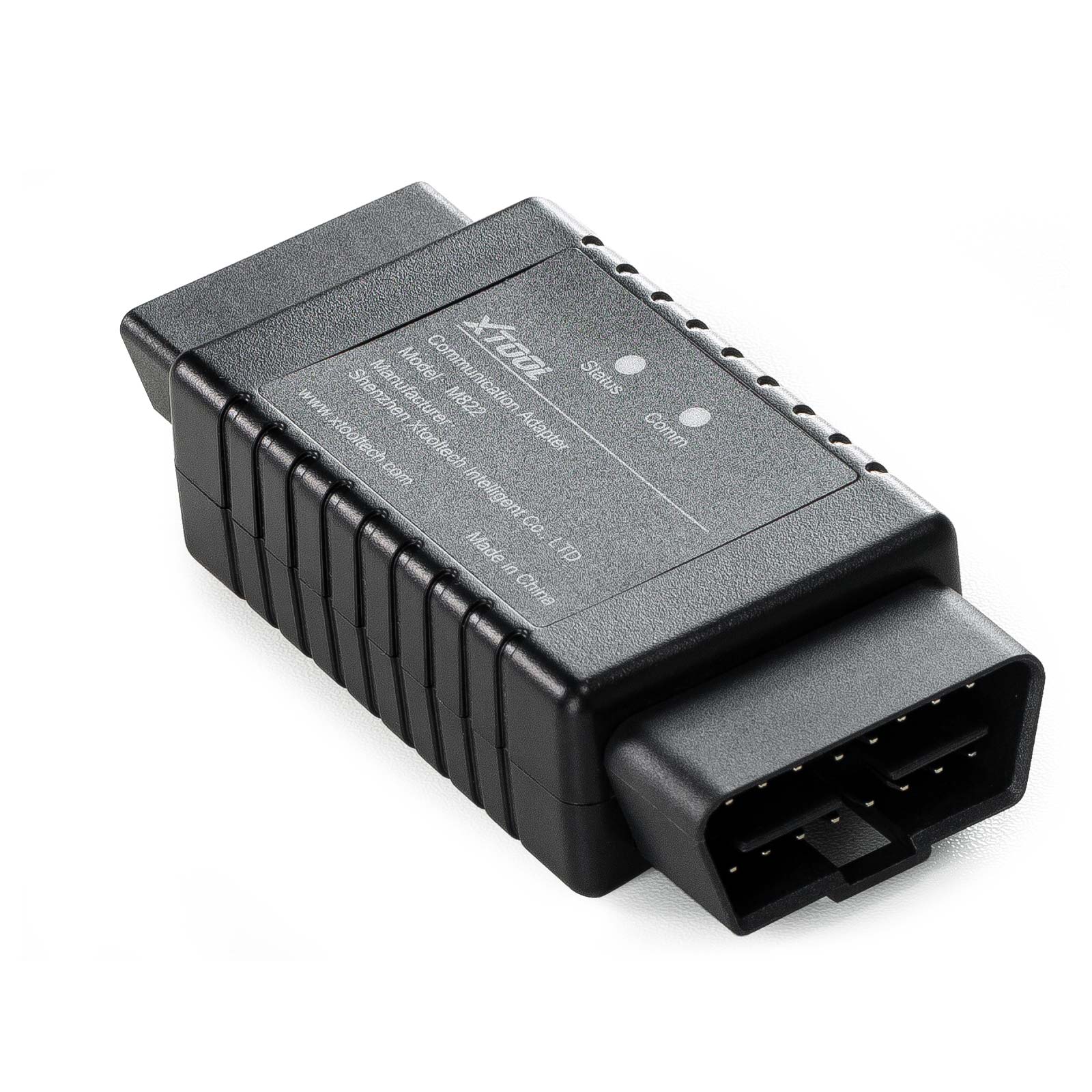
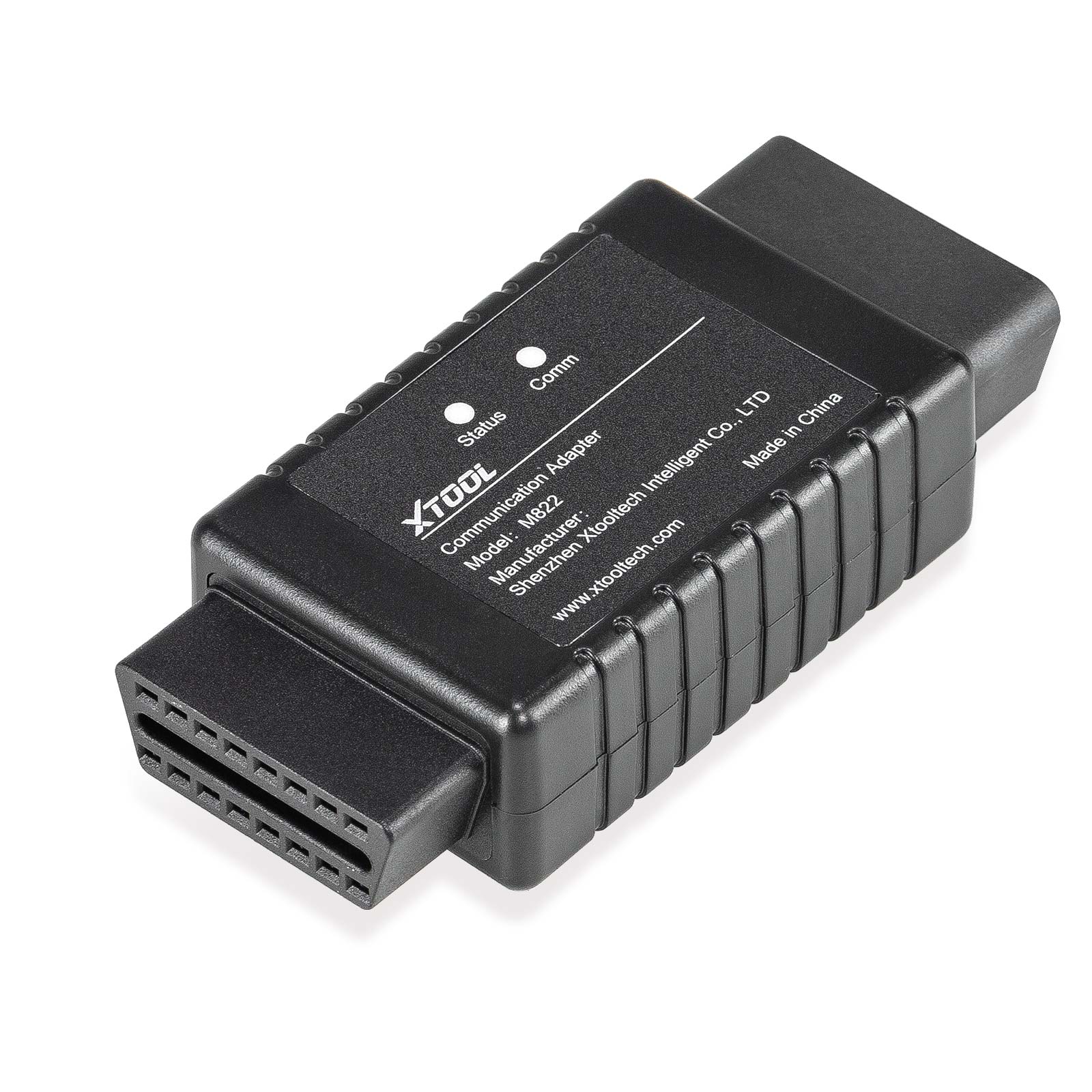


XTOOL M822 Mercedes-Benz All Keys Lost Communication Adapter
Anni Deals,only once a year
Launch 6% Off
MQB 5C 5D
Whatsapp:+86 15223201143
Produktbeschreibung
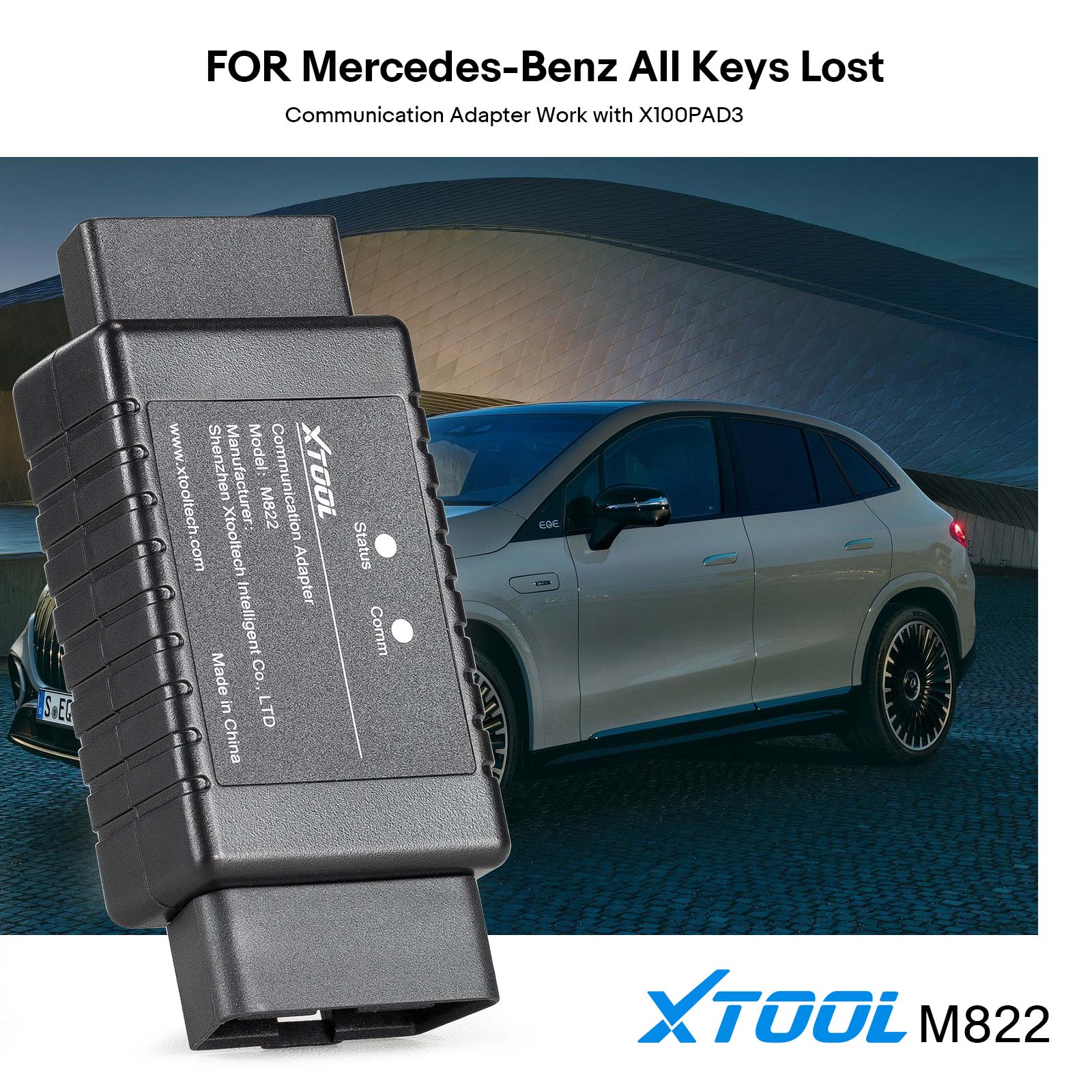
XTOOL M822 Mercedes-Benz all keys lost communication adapter is designed to finish and optimize all key lost programming for multiple Mercedes-Benz modules. With XTOOL M822 Adapter, you can save up to 65% of the calculation time during the process, It can also save you from plugging the key emulator in and out for hundreds of times.
Please note that XTOOL M822 Adapter needs to be used with advanced XTOOL Key Programming devices, such as X100 Pad3/X100 Max and KC501 Key Programmer.

Product Functions:
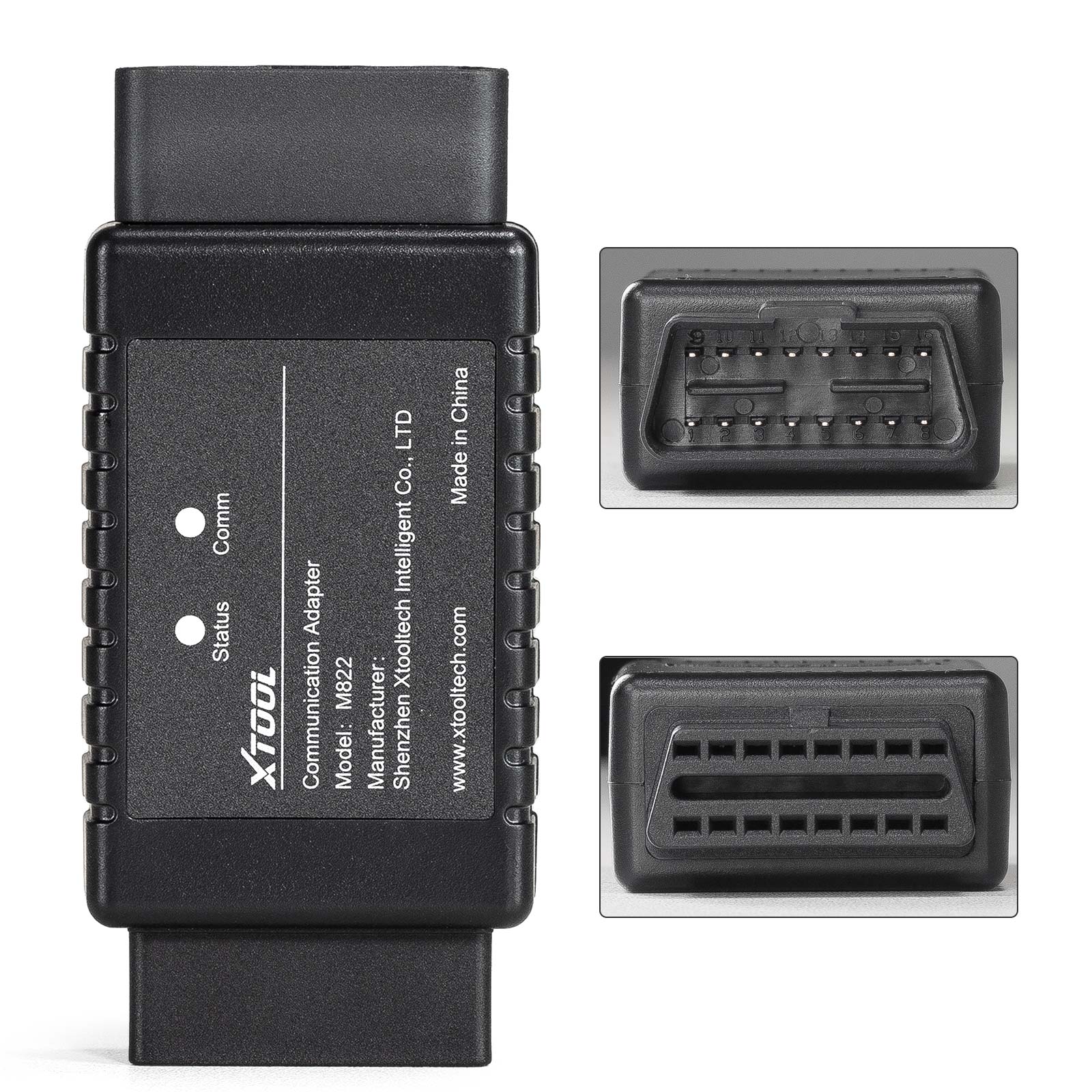
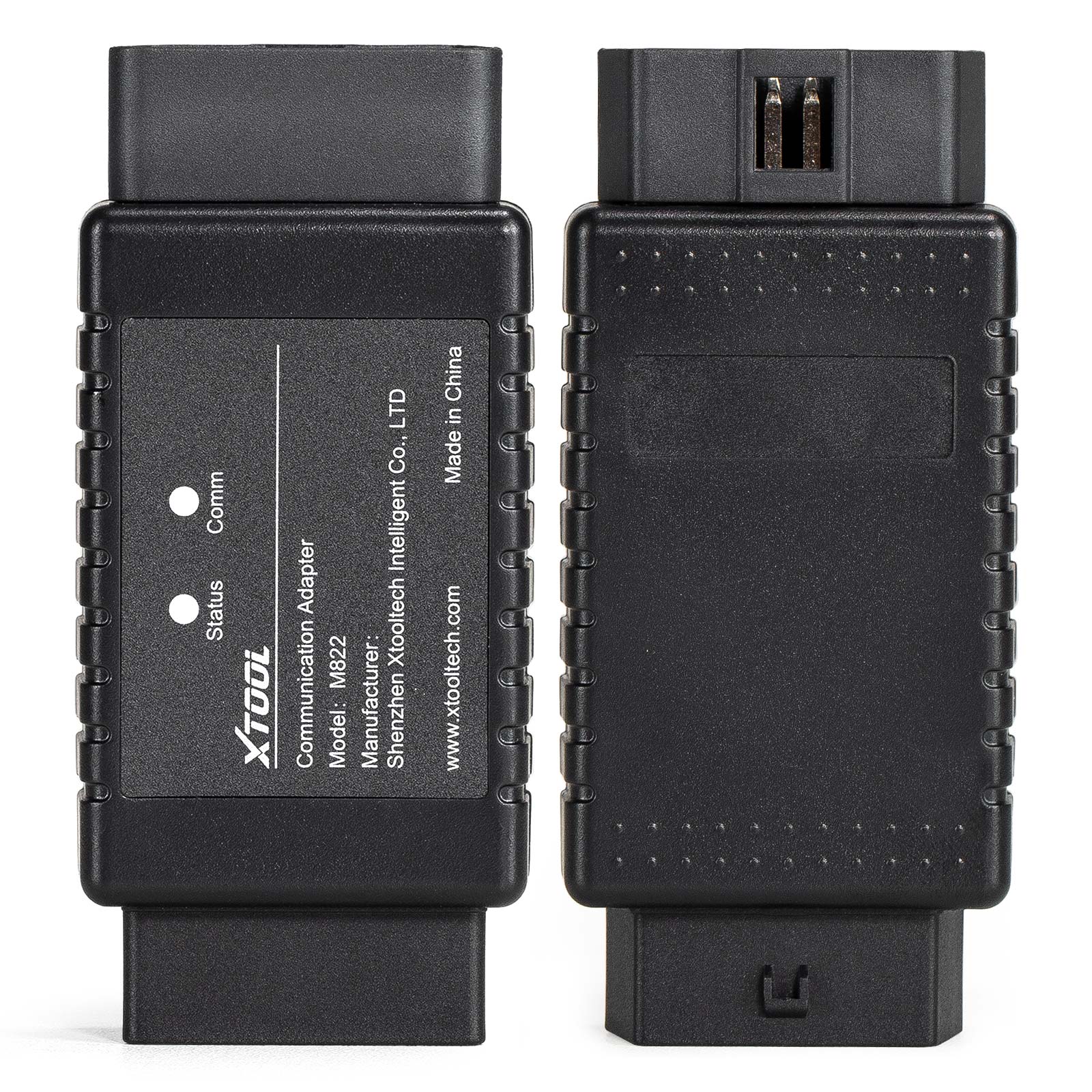
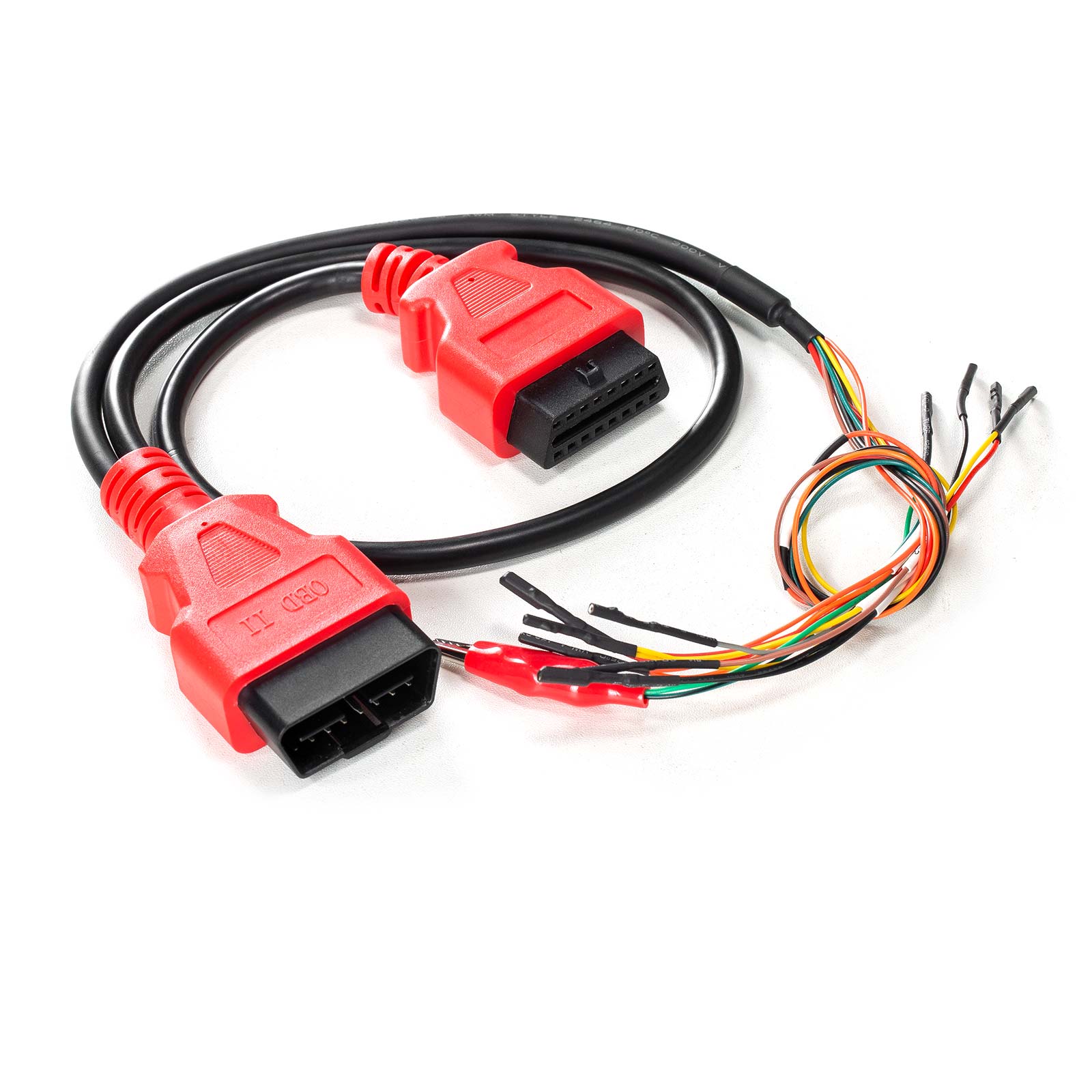
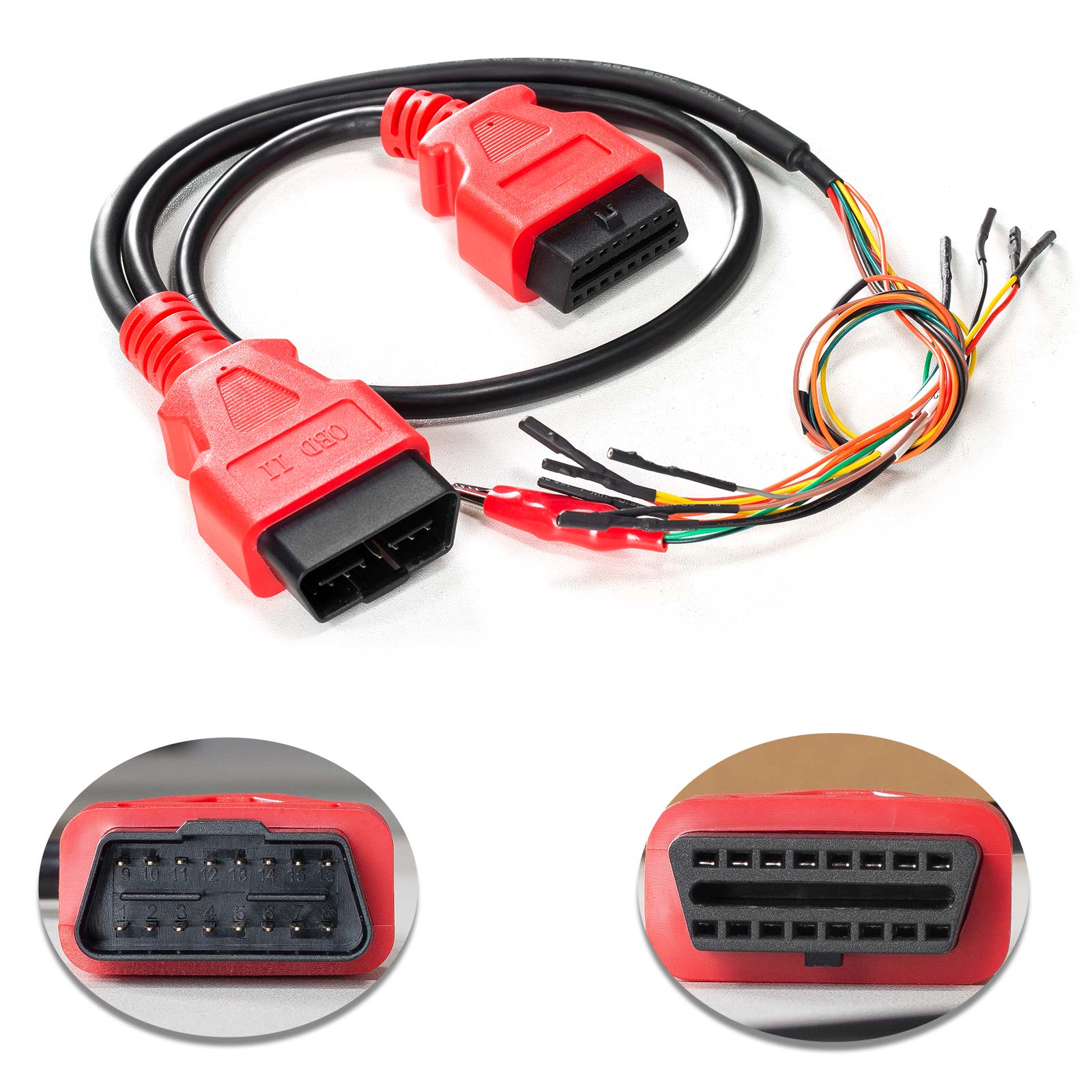
1. OBD-16 port: Used to connect to J1Z02_BENZ communication cable or connect to EIS/EZS modules via DuPont cables.
*Caution: Don't connect to the OBD port on the car directly.
2. Status Light: Shows the power status of the adapter. When the red lights are on, it indicates the power is on.
3. Comm Light: Shows the communication status of the adapter. When the blue lights are on, it indicates the adapter is communicating with the tablet.
4. DB15 port: Used to connect to the main cable of XTOOL tablets.
*Note: Before being connected to the M822 adapter, please disconnect the OBD2-16 connector from the main cable.
Connection Method:
1. Connect KC501 to the device via USB.
2. Connect Mercedes-Benz IR emulator onto KC501.
3. Disconnect the OBD2 connector from the main cable, then connect the device (or the VCI box) with the M822 adapter using the main cable.
4. Connect 12V power supply onto the main cable.
5. Connect the EIS/EZS module with the M822 adapter using the J1K02_BENZ cable. Please check the device for connection details.
*Note: 1. Please check the pictures in the device when connecting M822 adapter and EIS/EZS module via J1K02_BENZ cable.
2. The Mercedes-Benz IR emulator should be plugged into the slot of the module when operating.
Package Includes:
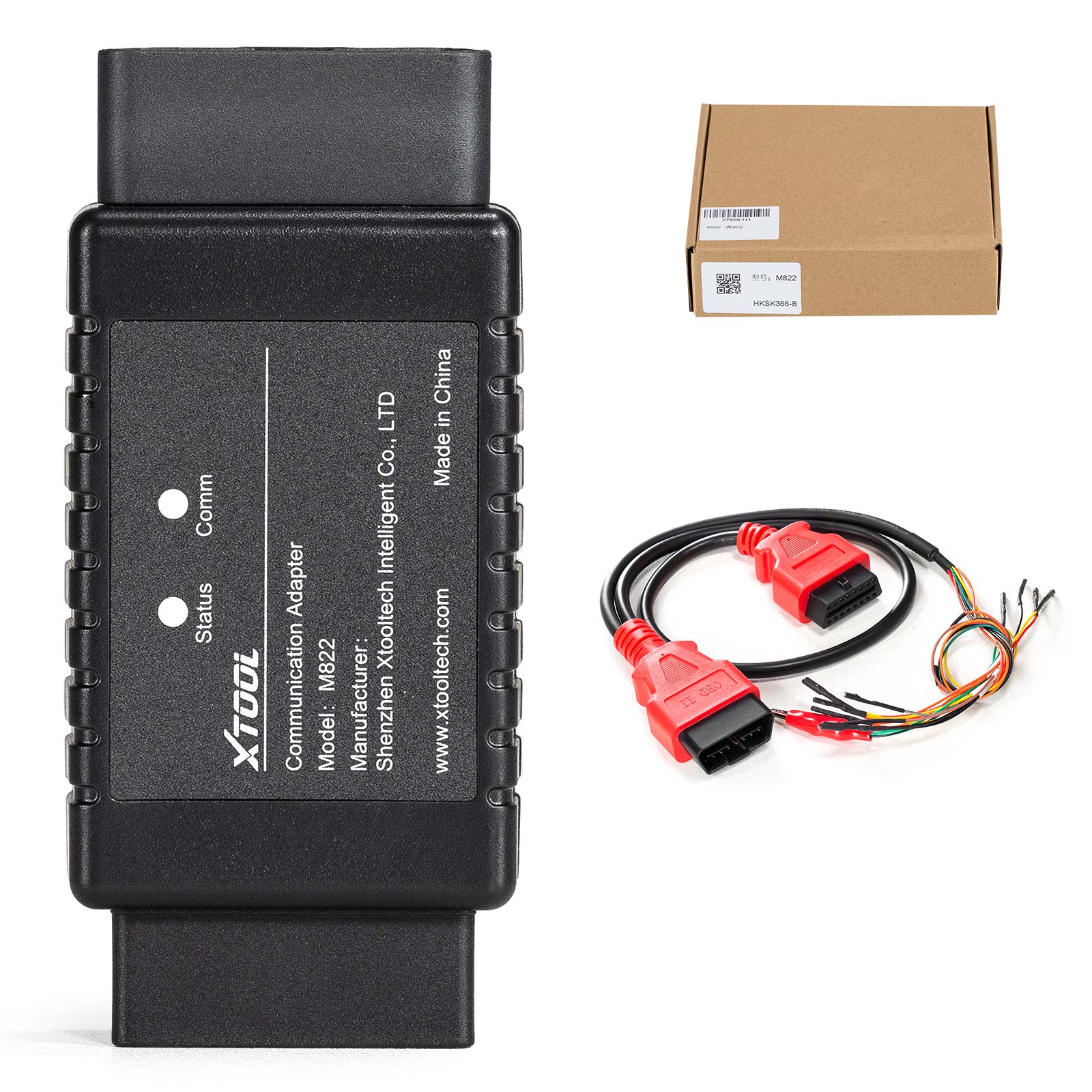
1pc x M822 Mercedes-Benz AKL Adapter
1pc x J1K02_BENZ Wiring Harness
About Delivery
EU Warehouse Shipping(No Tax): 3-5 working days. We have stocked up hot sale items in EU(Czech) Warehouse ,which is more convenient for you. Free TAX, faster shipping with cheaper price.
Yanwen Express(No Tax): 8-12 working days ,we will prepay the tax,then do not need customers to pay tax for most european counties 【We will send by Yanwen Express by default(for the items not in stock in EU)because of EU high Customs tax. If Customers need the faster DHL shipping method and willing to pay the high tax .Pleasee leave message to us in time after placing the order】
DHL/UPS/Fedex Shipping: 3-5 working days, to help you clearance we will help declare price on the invoice. If address is remote area, customer need pay remote freight or we will ship by Normal Post or Yanwen Express.
Note:
1.All of the items will be shipped to PAYPAL Shipping Address,please confirm your address on PAYPAL before you buy.
2.Your order will be usually shipped out the same or next business days once the payment is made, except on weekends and holidays.
Contact information:
WhatsApp:+86 15223201143