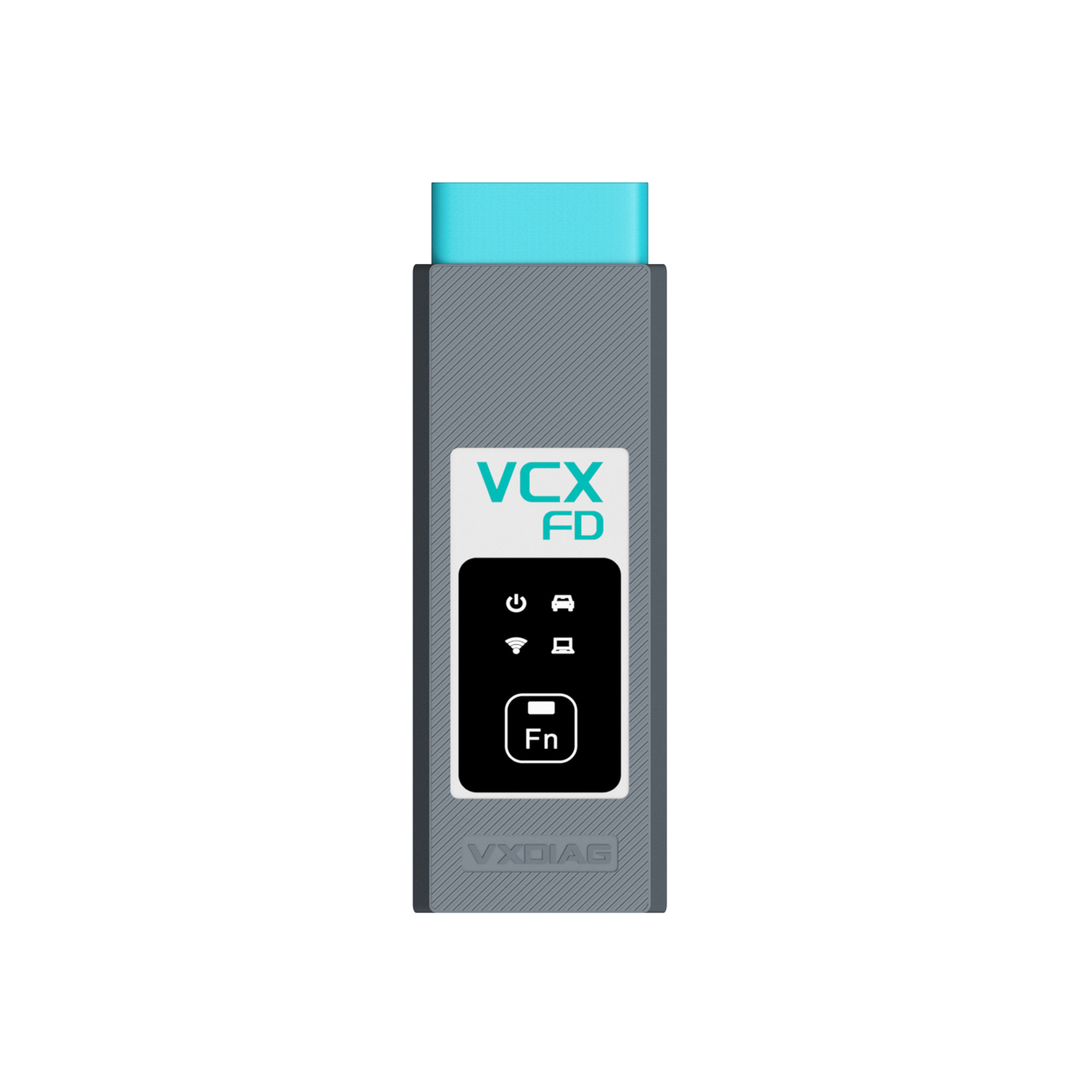
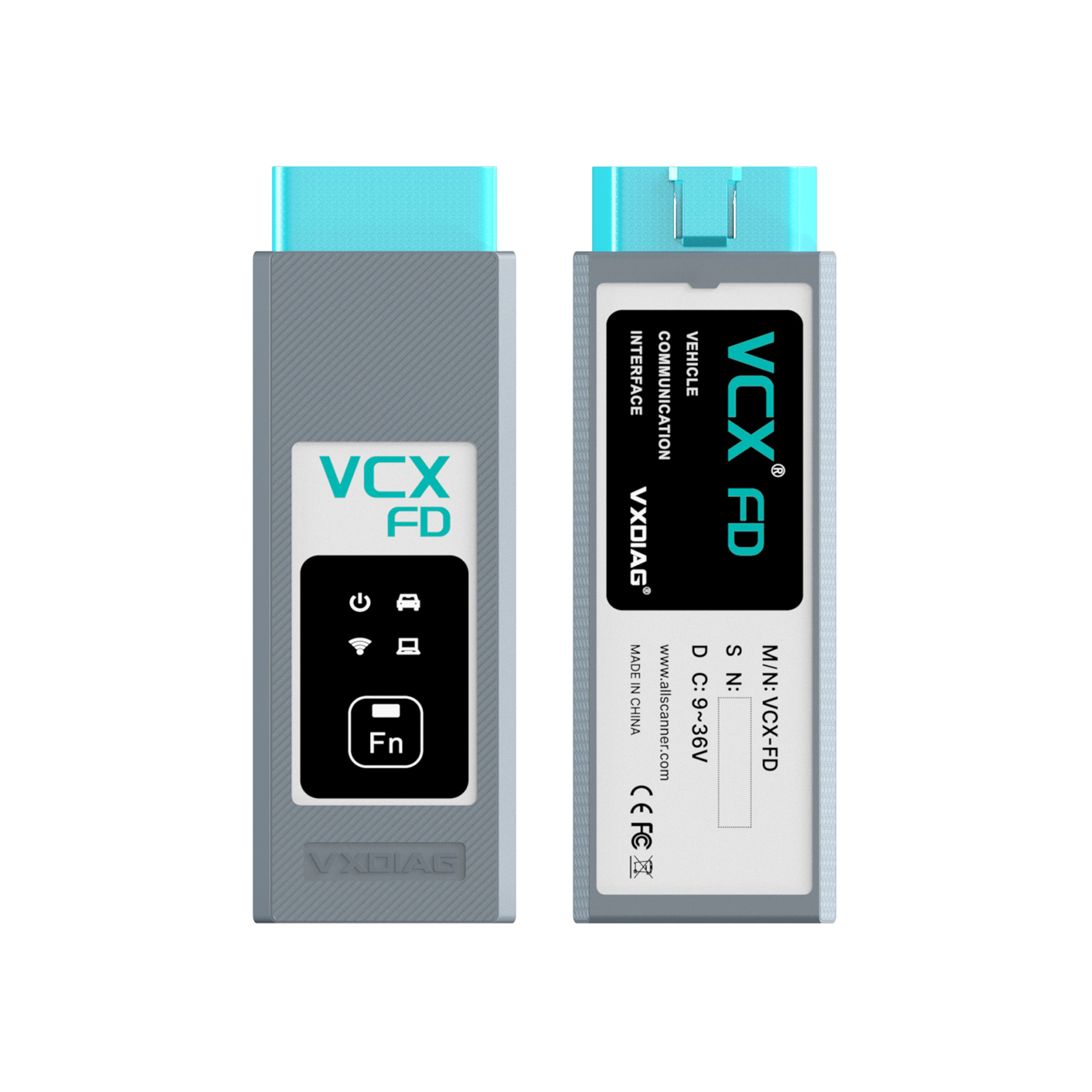
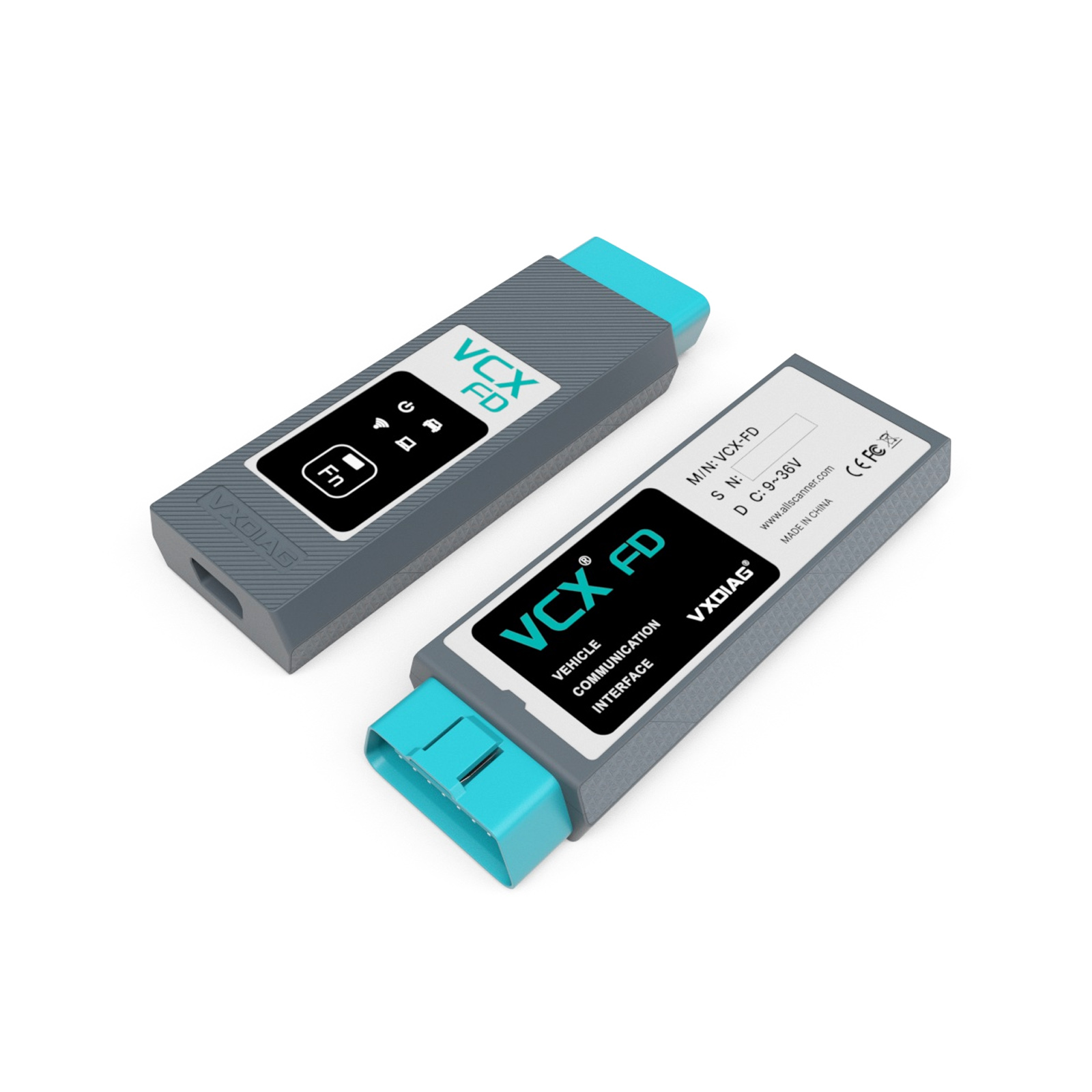
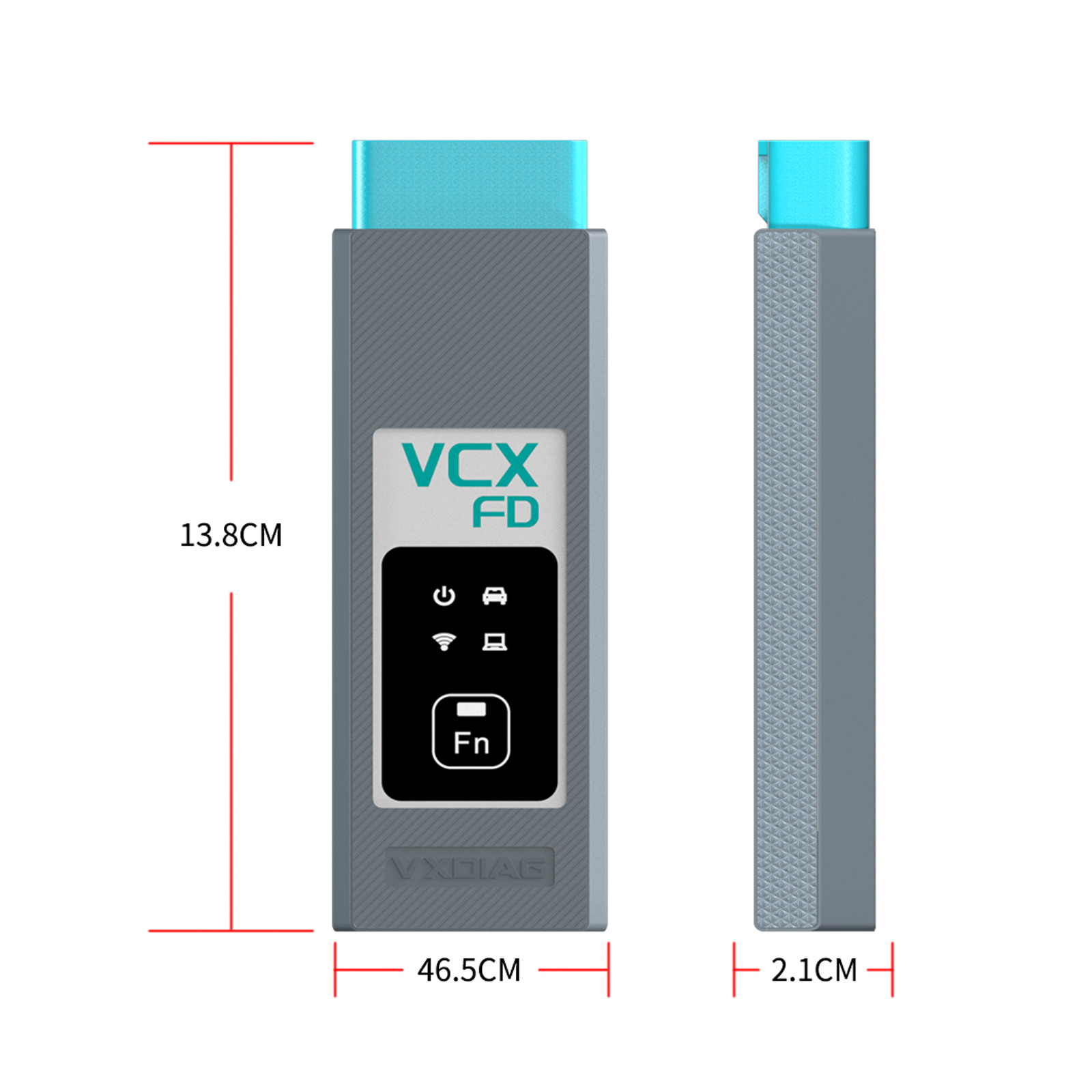
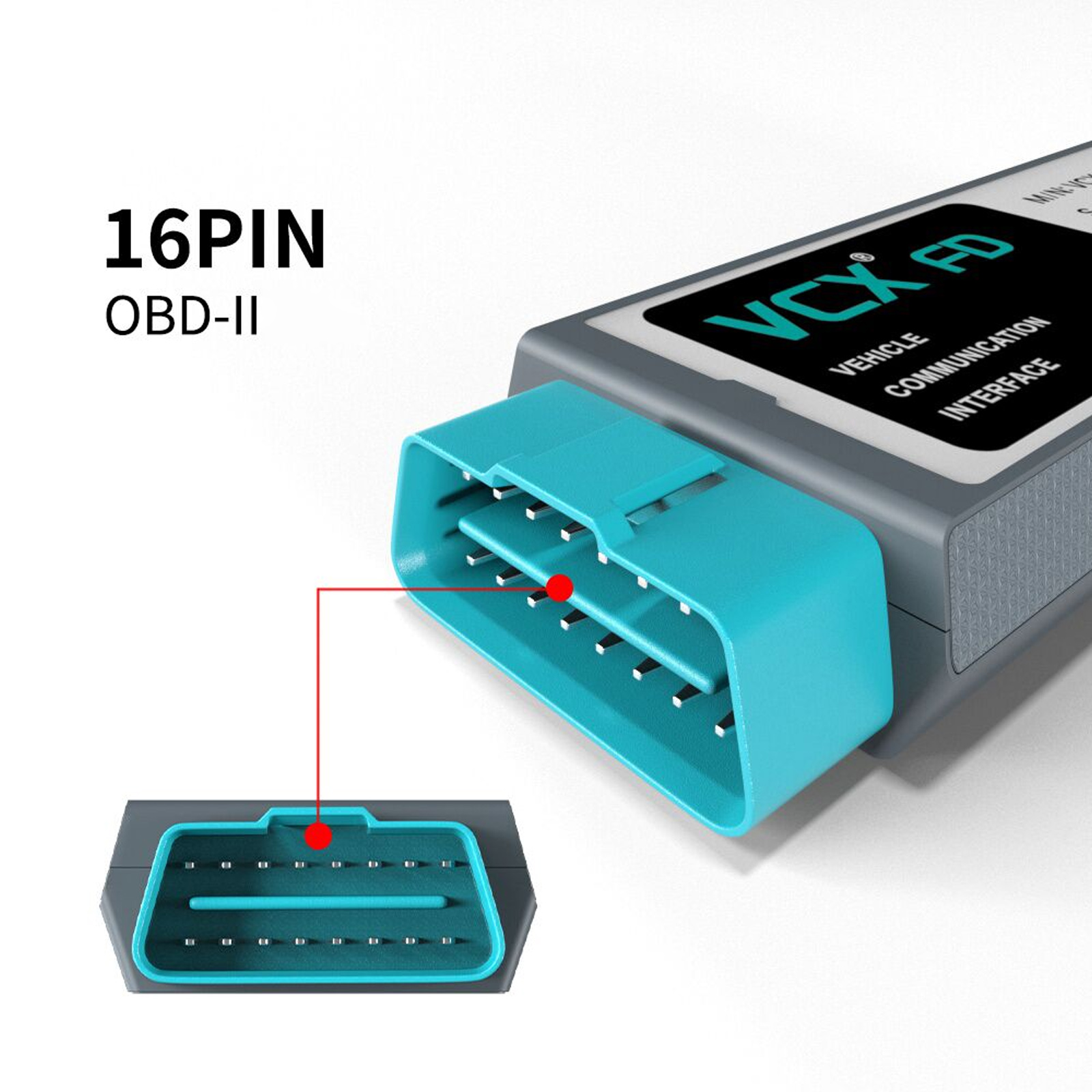


EU-Schiff 2026 VXDIAG VCX FD Diagnostic Scanner for GM till 2026 Supports CAN FD Protocol
October Sale,limited-time offers on top diagnostic brands
MQB 5C 5D
Whatsapp:+86 15223201143
Produktbeschreibung
- New VXDIAG VCX FD for GM with GDS2, Tech2win and RDS software
- Supports CAN FD DoIP protocols.
VCX FD GM Highlights:
Supports CAN FD and DoIP protocol
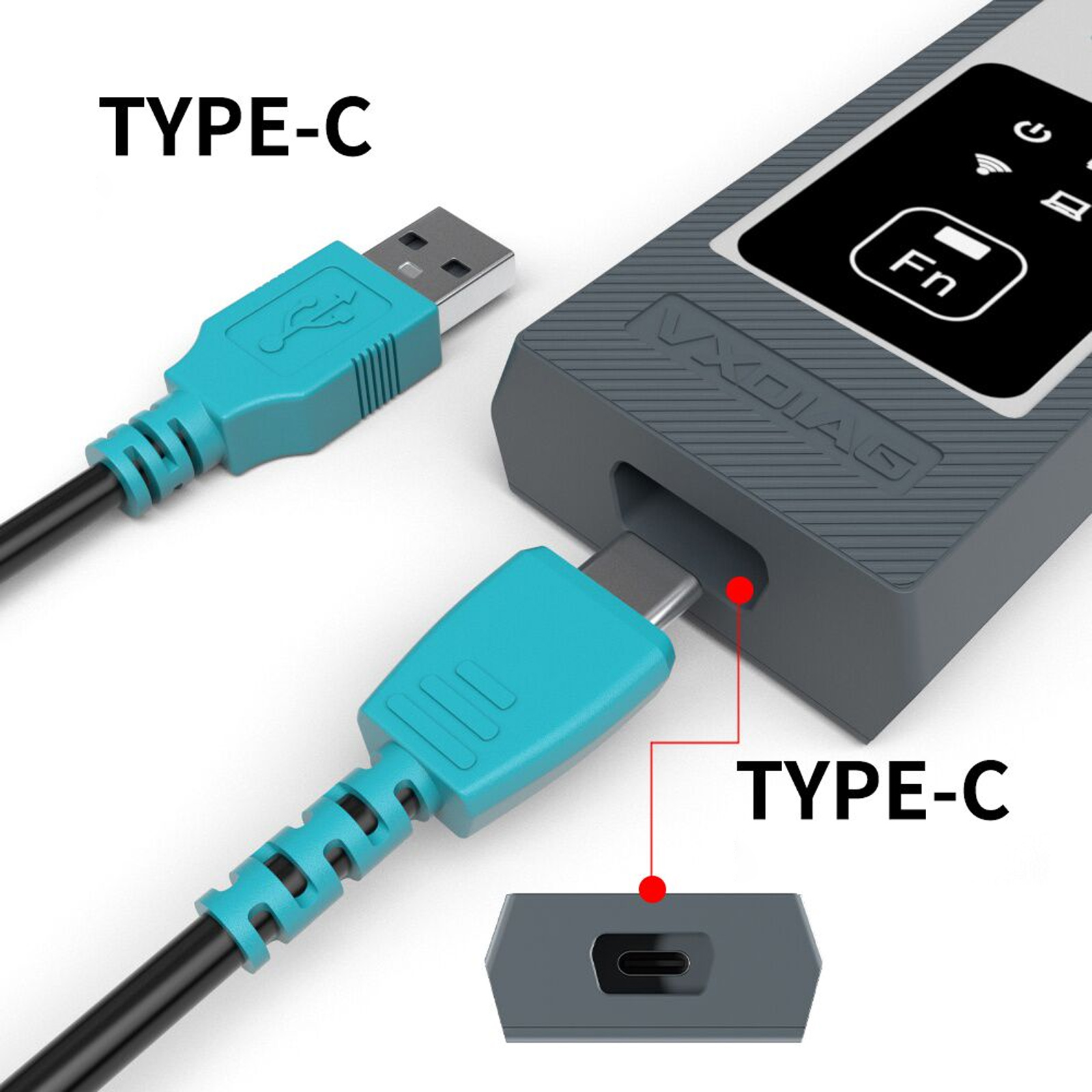
Supports USB Type C, WiFi and WLAN Connection
J2534 passthru for online programming
Supports GM vehicle from year 2000 to 2026 (It only supports some 2025/2026 vehicles, not all.)
Supports GM online programming
G-D-S2 2025.03.24, Tech2-win 16.02.24
Functions:
* Read codes, code status, Freeze Frame data and Clear Codes.
* Read VIN, ECU part numbers and software numbers.
* Record, store and replay Stored data.
* Control and monitor Output Control functions.
* Configure and Reset functions.
* Record or display history of the previous vehicle diagnostic sessions.
Connection: USB (Type C), WiFi, WLAN and DoNet
How to Install VXDIAG GM G-D-S2 and Te-ch-2-win?
1. Install Te-ch-2-win using the AutoInstall.exe file
2. Install G-D-S2 using the AutoInstall.exe file
3. Install VX Manager (install passthru and G-D-S2/T2W drivers)
4. Run software (run G-D-S2 from patch, run Te-ch-2-win on desktop)
* If you are running Windows 10 you MUST disable driver signing enforcement. For detail installation instruction, check PDF above.
Top 8 Reasons to Get VXDiag GM:
1. Supports GM Te-ch-2-Win and G-D-S2, can replace GM original tool MDI/ Te-ch-2.
2. Compatible with applications that diagnose engines, transmissions, ABS, instrument panels and more
3. Mixed fleet capabilities with broad protocol support
4. Quick access to vehicle data for maintenance or management reports
5. Quickly attaches to vehicle's diagnostic connector
6. Supports GM vehicle from year 2000 to 2024
7. Supports GM online programming (ECU Programming, ECU performance upgrade) with an online account
8. The software is updated by link while the firmware/license is updated online.
G-D-S 2 provides the following capabilities in multiple languages:
* Read codes, code status, Freeze Frame data and Clear Codes.
* Read VIN, ECU part numbers and software numbers.
* Record, store and replay Stored data.
* Control and monitor Output Control functions.
* Configure and Reset functions.
* Record or display history of the previous vehicle diagnostic sessions.
GM G-D-S2 Languages: English, Spanish, French, Italian, Portuguese, Netherlands, Russian, Arabic, Japanese, Chinese, Vietnamese
Tech-2-Win Function
Te-ch-2-Win, an application version of the Te-ch 2 and CANdi (Control Area Network diagnostic interface) module Te-ch-2-Win can be used during a vehicle road test, offering a larger screen with all of the Te-ch 2 tool functionality. The Te-ch-2-Win application offers all of the features and functions of the Te-ch 2 for Opel etc. Te-ch-2-win need to install on win 7 32 bits.
DPS Function:
GM Development programming system, aka DPS, is an in-house software general motors technicians use to develop software for GM motor vehicle electronic modules. DPS functions similarly to the GM SPS client. By itself, DPS can only perform the basic functions of reading the ECU ID information. You must acquire the corresponding calibration files and custom DPS scripts to complete any DPS programming.
How to Set Up & Use VXDIAG VCX-FD?
Let’s start the software installation on WINDOWS system:
1. First download and install software (we don't provide the link)
2. Install the latest VX MANAGER Beta version for VCX FD via www.vxdiag.net
4. Start the VX Manager. Make sure you your computer network is good. Connect your device by USB cable/WiFi to computer and OBD2 Socket to your ECU Bench connector or Your car’s OBD2 Port.
Install Passthru driver. Check your device license.
5. Turn on the car ignition. You can start to diagnose the car.
Installation Tips: Please turn off anti-virus software before install.
Support BUS Protocol
| ISO-15765 CAN / CANFD | V-A-G TP16 CAN |
| ISO-13400 DoIP Option1/2 | V-A-G KW81 (SAE J2818) |
| ISO-9141 K-Line | SAE-J2610 SCI (Chrysler) |
| ISO-14230 K-Line | SAE-J1567 CCD BUS (Chrysler) |
| ISO-17987 LIN BUS | SAE-J2740 GM ALDL |
| SAE-J1850-VPW (GM Class2) | SAE-J2809 HONDA DIAG-H |
| SAE-J1850-PWM (FORD SCP) | NISSAN DDL UART with CLOCK |
| ISO-11898-2 DWCAN | B-M-W DS2 |
| ISO-11898-3 DWFTCAN | FORD UBP |
| SAE-J2411 SWCAN (GMLAN) | BENZ KWFB |
| V-A-G TP20 CAN (SAE-J2819) | BENZ MB-ISO |
Package List:
1pc x VCX-FD Interface
1pc x Type-C USB Cable
1pc x RJ45 Lan Converter
1pc x Paper Case
About Delivery
EU Warehouse Shipping(No Tax): 3-5 working days. We have stocked up hot sale items in EU(Czech) Warehouse ,which is more convenient for you. Free TAX, faster shipping with cheaper price.
Yanwen Express(No Tax): 8-12 working days ,we will prepay the tax,then do not need customers to pay tax for most european counties 【We will send by Yanwen Express by default(for the items not in stock in EU)because of EU high Customs tax. If Customers need the faster DHL shipping method and willing to pay the high tax .Pleasee leave message to us in time after placing the order】
DHL/UPS/Fedex Shipping: 3-5 working days, to help you clearance we will help declare price on the invoice. If address is remote area, customer need pay remote freight or we will ship by Normal Post or Yanwen Express.
Note:
1.All of the items will be shipped to PAYPAL Shipping Address,please confirm your address on PAYPAL before you buy.
2.Your order will be usually shipped out the same or next business days once the payment is made, except on weekends and holidays.
Contact information:
WhatsApp:+86 15223201143